Structured Python learning for schools

Clear Python progression for students. Whole Computer Science lessons for teachers.

Coding Pathway gives learners a scaffolded, guidance-first route through Python. Teachers set whole lessons as interactive Worksheets, theory and code together, with marking, trophy goals, and the class visibility that fits real school practice.

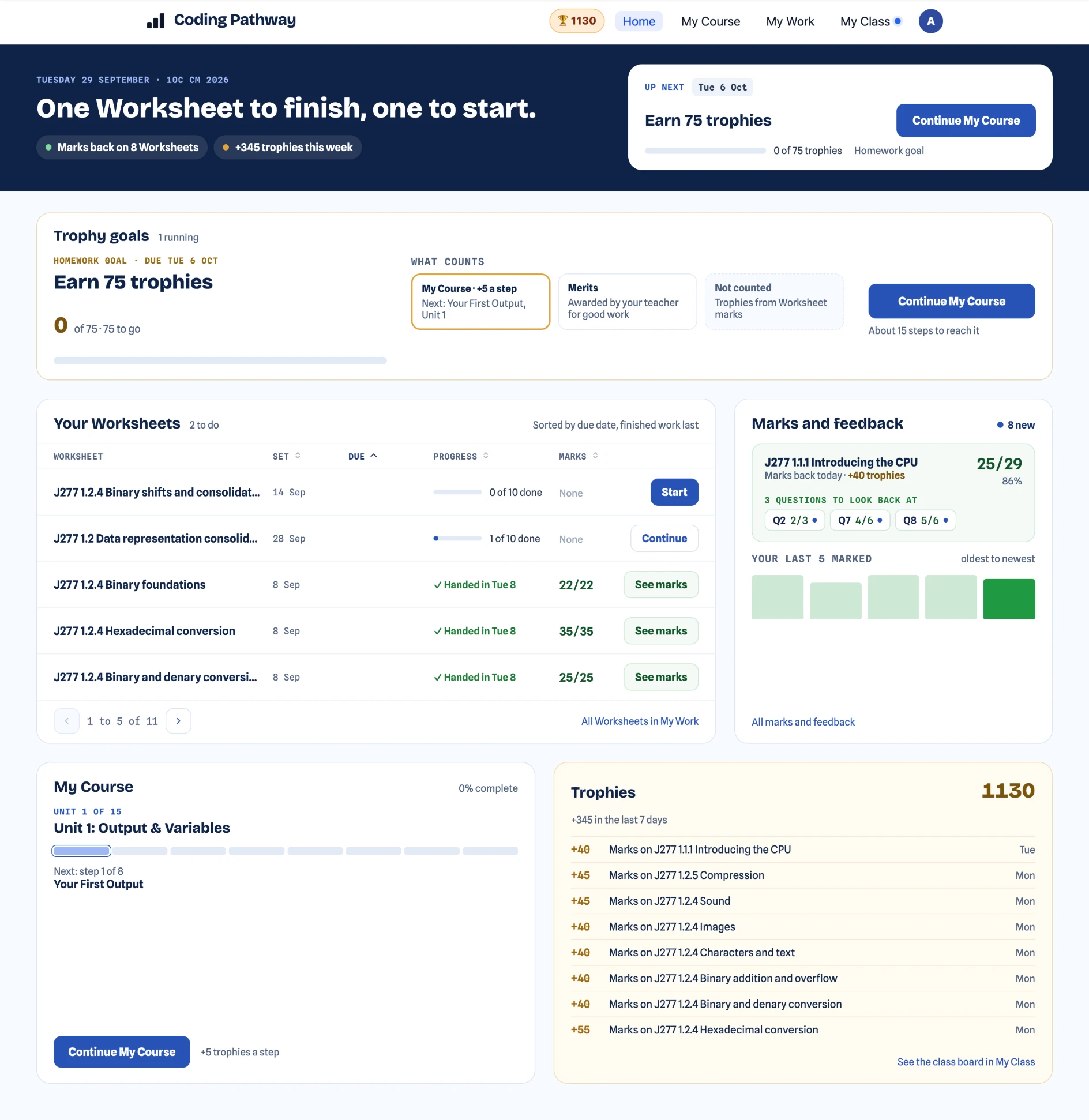
Trophy goal
Unit 3 · 21 of 28 done
Handed in
L19 · “What happens at 120°?”
codingpathway.co.uk/dashboard
Teacher dashboard showing live workspace activity, trophy goals, help requests, and day-to-day oversight

Lessons, workspaces, classes, and day-to-day teaching oversight in one place.

For students

Clear next steps, scaffolded progression, and less blank-page friction.

For teachers

Lessons, trophy goals, and progress views built for day-to-day classroom use.

For departments

A school-ready operating layer that supports consistency across classes and teachers.

Built for students and teachers

Students get clarity. Teachers get control.

The learner experience stays structured and calm. The school value comes from the teaching layer around it.

For students

One clear next step, every time.

Students read guidance first, complete short coding tasks, use hints when needed, and keep track of visible progress.

  • Guidance and worked examples appear before coding.
  • Short Python tasks, hints, and immediate checking support independent progress.
  • Visible step, unit, and trophy progress helps students keep moving.
Start the free pathway
codingpathway.co.uk/learn
A student coding task with the task brief, expected output, Python editor, and Submit and Run Tests button

The task, the editor, and instant checking sit side by side in one calm student workflow.

For teachers

See movement, gaps, and who needs support.

Teachers can scan class movement, review assignment work, and drill into individual students without turning the platform into a heavy analytics tool.

  • Class and unit matrices make movement and gaps easy to scan.
  • Trophy goals turn classwork, homework, and revision into one clear target.
  • Student drill-down and intervention signals help support happen earlier.
Explore the school platform
codingpathway.co.uk/progress
Teacher class detail page with a progress matrix showing trophies, unit progress, and last-active times
New: Worksheets

A whole Computer Science lesson in one interactive document.

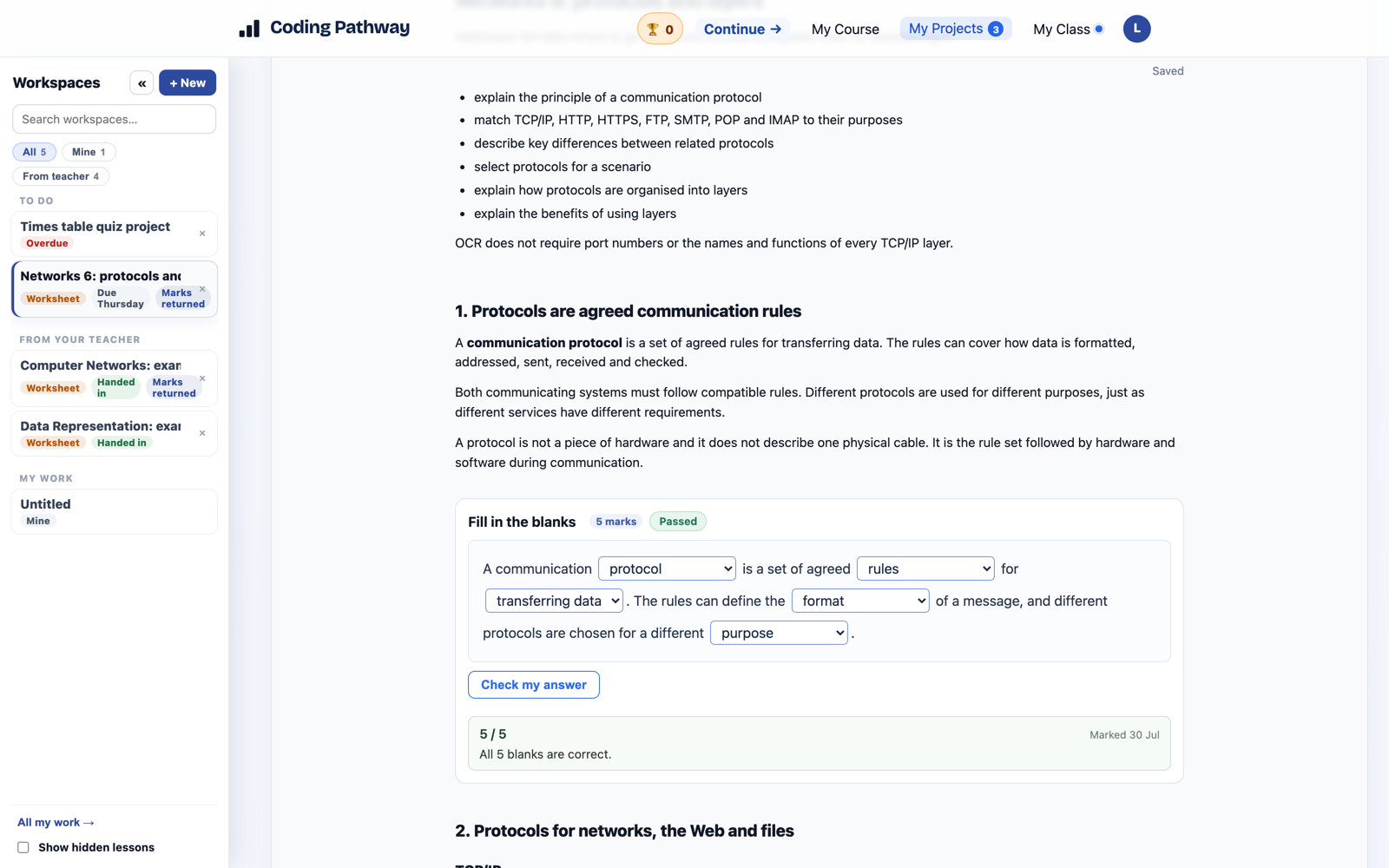
Explanation, diagrams, multiple choice, fill in the blanks, exam-style written answers and real Python that runs in the browser. Every Worksheet is built from cells, so the same structure carries a starter quiz, a theory lesson, a practical or a full assessment.

  • Theory and coding covered in one document, so a lesson never has to switch tools.
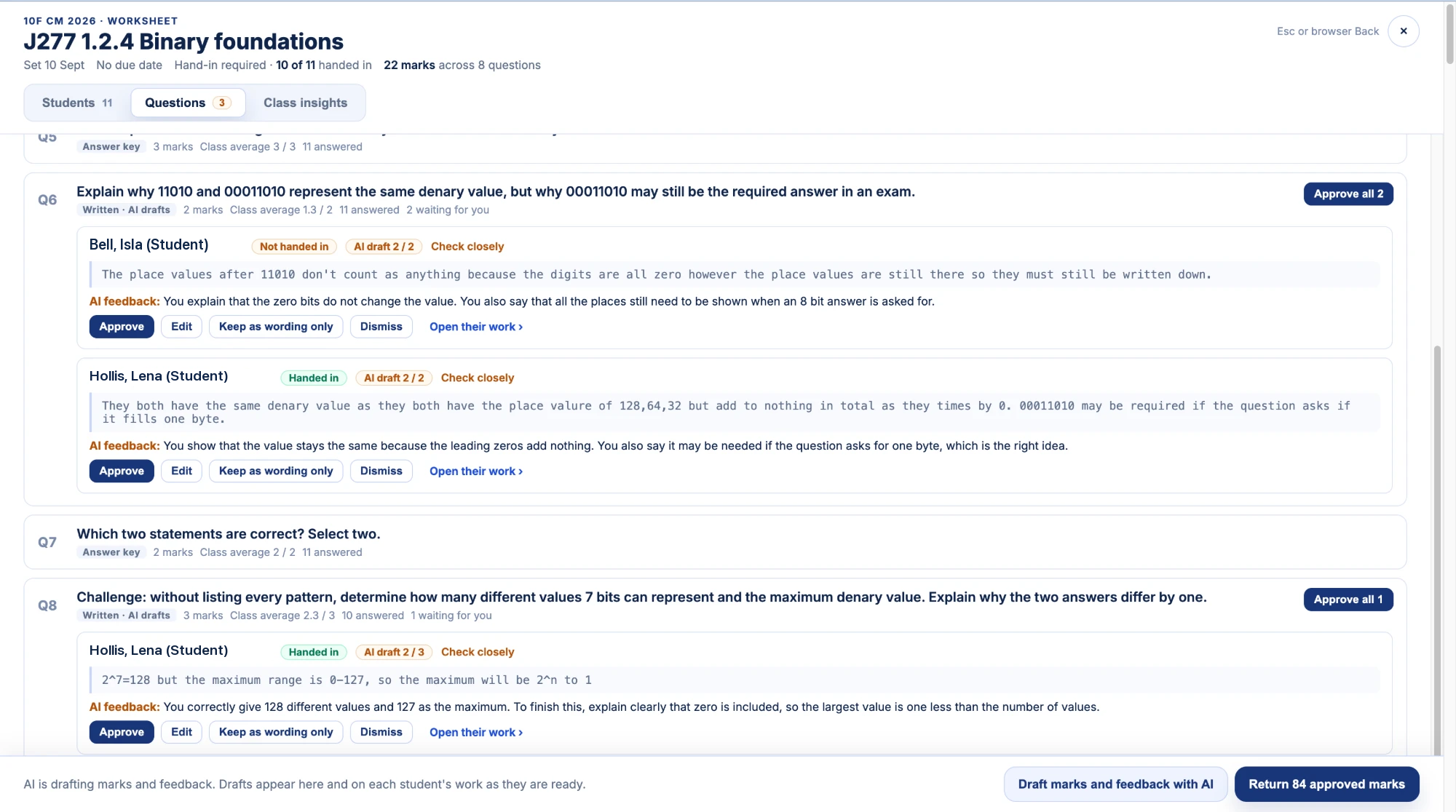
  • Marking and feedback on written answers as well as code, reviewed by the teacher before it is returned.
  • Marks, feedback and completion feed into the same picture of progress as the coding course.
See Worksheets in the resource hub
codingpathway.co.uk/worksheets
A Worksheet trace table task: a short Python program above an exam-style trace table grid, worth five marks

A five-mark trace table task inside a Worksheet: the program and the exam-style grid in the same document students code in.

Workspaces & lessons

A Python IDE in the browser. A teaching layer around it.

Every student gets a persistent Python workspace. No installs, nothing for IT to maintain. Teachers design lessons on top, model code live to the whole class, and review the results without collecting a single file.

For teachers

Feedback pinned to the exact line of code.

Move through a class set of projects student by student, pin comments to specific lines, see what changed since yesterday, and award trophies for good work, all from one review screen. Students see the feedback, reply, and mark it done.

  • Share a lesson with your class, your school, or any teacher anywhere via a link.
  • Broadcast your code live; students copy it into their own workspace with one tap.
  • A curated library of 114 projects, from first turtle to real data analysis.
See how departments use it
codingpathway.co.uk/review
Teacher review workspace with a student's turtle project, a feedback thread with a student reply, and an inline comment anchored to a code line
Teacher operating layer

Run classwork, homework, feedback, and follow-up from one workflow.

Coding Pathway is not just a learner coding site. The teaching layer gives departments visibility, review workflows, school-owned content, and clearer day-to-day oversight.

Explore for schools

Set work with a trophy goal

Give the class a trophy target and any pathway step counts towards it. It works for starters, homework, and holiday challenges alike.

Teach with lessons and live code

Write starter code and instructions once, share it with a class so students can return to it any time, or broadcast your code live to every screen.

Review code without collecting files

Move through a class of projects student by student, pin comments to exact lines, and award trophies for good work.

Keep whole classes moving

Progress matrices, student drill-down, and intervention signals help you spot who is stuck and support them sooner.

Community resources

Lessons and Worksheets shared by teachers, readable by anyone.

Complete lessons and Worksheets published by teachers, in full, with no account needed to read them. Copy anything into your school library, adapt it to your classes, and publish your own under a Creative Commons licence you choose.

Browse the resource hub
Hundreds of teachers and schools use Coding PathwayBuilt by a serving Head of Computer ScienceStudents never encounter AI
codingpathway.co.uk/resources
The community resource hub listing lessons and Worksheets shared by teachers
GCSE collections

Complete GCSE collections, mapped to the specification you teach.

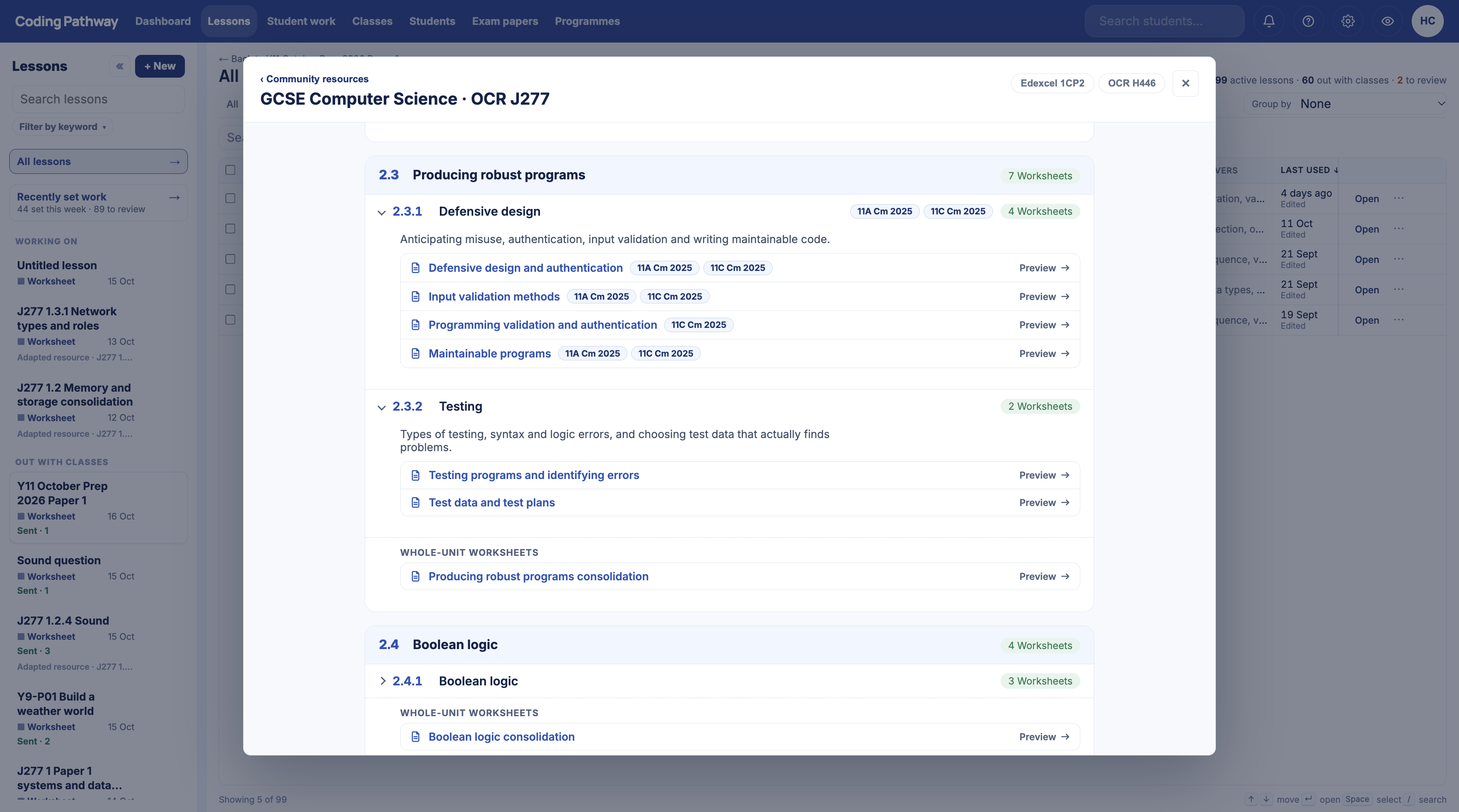
96 OCR J277 Worksheets across both papers, and 125 Edexcel 1CP2 resources across twenty teaching topics. Open your course, find the specification point coming up next, preview the complete resource, then import your own copy and set it to a class.

Everything on both maps is readable in full without an account.

The OCR J277 specification map with Worksheets listed under each specification point
What teachers and students say

Grown by teachers recommending it to teachers.

No sales team, no procurement cycle. Departments find it, try it, and pass it on.

“Thank you so much for your website. Double Year 7: P1 they flew with it, and currently in P2 they are going for it too.”
Computing teacher
It takes hard Python code and simplifies it, with tests at the end to make sure you understood.
Year 9 student
I like how we can work through the tasks at our own pace.
Year 9 student
It helped me understand Python a lot more.
Year 9 student
Free core pathway

Free learner access from first print to GCSE confidence.

The core Python pathway is open to learners. School subscriptions add the teacher operating layer around it. SSO, class workflows, revision support, and department oversight sit on top when schools adopt the platform.

  • 01Beginner foundations: output, variables, input, and arithmetic
  • 02Selection, iteration, and structured problem solving
  • 03Worked examples, coding tasks, and mastery checks in sequence
  • 04Retrieval-informed revision that strengthens long-term retention
  • 05A complete Python pathway from first print to GCSE confidence
Ready to get started

Clear progression for learners. Clear visibility for teachers.

Start the learner pathway now, or explore how the platform supports classwork, homework, intervention, and revision.

And if you would like a walkthrough first, get in touch. You will be talking to the teacher who built it.

For students

Start learning for free.

Open the learner dashboard, pick up your next step, and work through the free core Python pathway.

Start the free pathway
For schools

See how it works across a department.

Explore lessons, trophy goals, review workflows, SSO-ready onboarding, and oversight that works across classes.

Explore for schools