Explore Coding Pathway with a ready-made demo school
Try setting lessons, reviewing students' work and building exam practice with realistic classes already prepared. Follow the interactive walkthrough or explore for yourself.
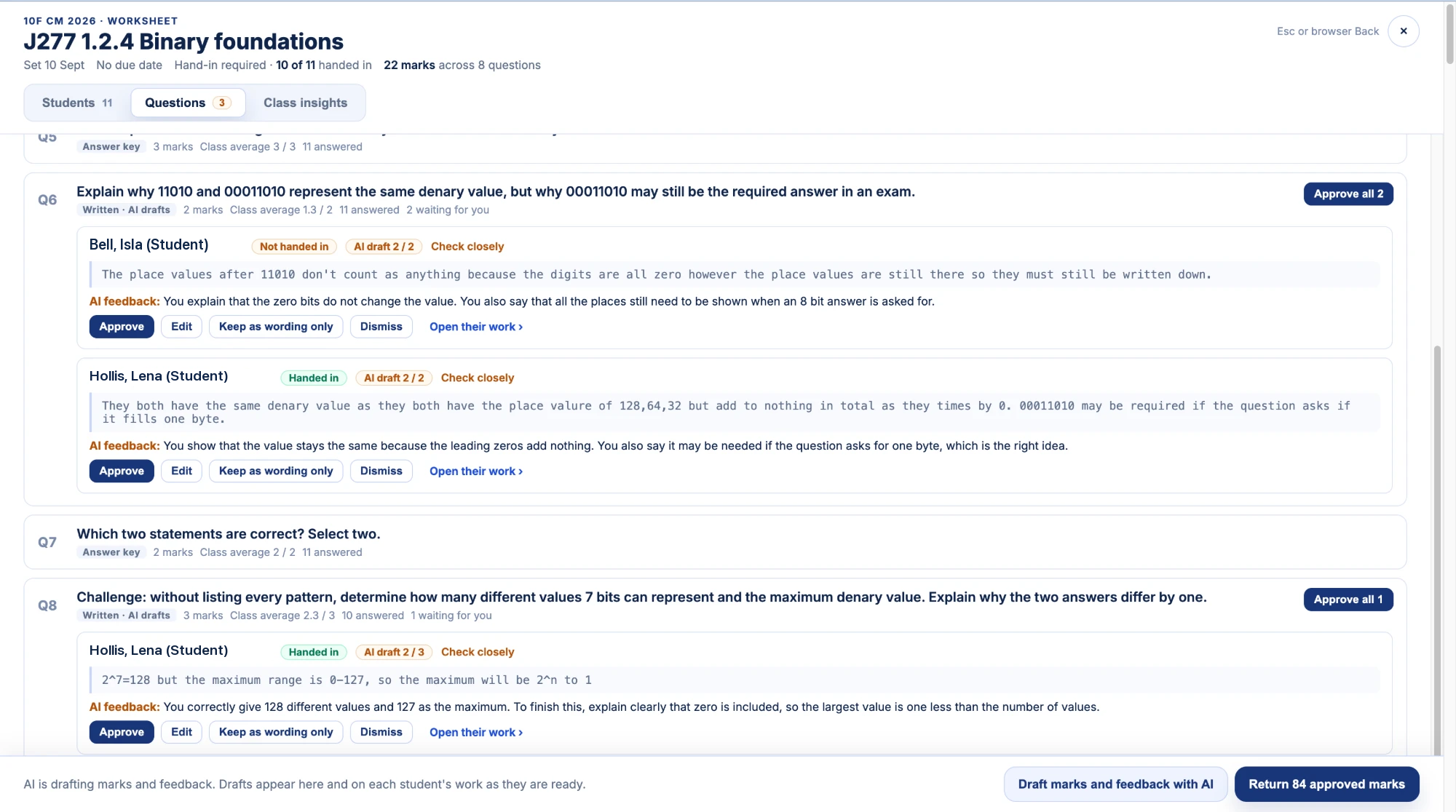
It's difficult to get a feel for the teaching tools with an empty class. I've put together a demo school and interactive walkthrough with fictional classes, lessons and completed student work, so you can try setting work and reviewing answers before using it with your own students.
Follow the walkthrough or explore for yourself:
- Set a lesson. Find a teaching resource, copy a Worksheet and send it to a demo class.
- Review students' work. Read answers question by question, try the marking tools and return feedback.
- Check progress. Look through the class views and try setting a trophy goal for Python practice.
- Build exam practice. Choose questions, assemble a paper and preview it.
The students' prepared answers give you something to mark and compare, including mistakes to discuss with a class. Nothing you do in the demo affects your own school's work.
Getting started
Open the demo page and select Begin demo. No account is needed to look around. Preparing the school can take more than 30 seconds; the page shows preparation activity while it gets ready.
To try AI drafting, sign in with Google or Microsoft inside the demo. AI drafts marks and feedback against the question’s marking guidance for you to check, edit and approve before returning anything. Students never encounter AI on Coding Pathway.
Try the demo and walkthrough. When you're ready to use the tools with your own classes, create your school to begin a two-week trial.