Six free Python Turtle Worksheets, with progress saved
Six free Turtle Worksheets and 397 step-by-step Python activities, with students' progress saved. Share the resources or try the class tools with a free two-week school trial.

This half term, our Year 8s are practising variables, for loops and computational thinking with Python Turtle. I've made the six Turtle Worksheets we are using free for your students too.
Students sign in with Google or Microsoft, work through the lessons in their browser and save their progress to return to later. They do not need a school subscription.
The complete Turtle unit is public to preview, so you can read the lessons before sharing the link with students.
From first commands to a scene of their own
The unit is written for KS3, moving from movement and turns through loops, shapes and colour to a scene project, review and assessment.
For our Year 8s, it will culminate in a spooky Halloween scene drawn in Turtle, like the example above. The students love it. With their work saved to their accounts, they can pick it up on another device at home or in school and keep adding to their scene for fun, not just during lessons.
These are Coding Pathway Worksheets: interactive lessons with explanations, worked examples, questions and runnable Python in the same document. Students read an example, try the code and watch their drawing take shape without switching between a worksheet and a separate coding tool.
In Shape Machine, for example, students use a loop to draw a square, then change the number of sides and the turning angle to make other polygons. The output makes the effect of those changes visible.
There are two versions of the same six lessons: direct commands such as forward(80), or a named Turtle such as artist.forward(80). Choose the style you teach; students do not need to complete both.
Share the link, or set your own class copy
For free use, share the Turtle unit. Students can complete the Worksheets and save their progress, with immediate checks on questions with a set answer. Written responses are saved too; to review and mark these, set a class copy through your teacher account using the school trial or a subscription.
These copies do not appear in your class progress or marking views, but students can share screenshots of their output or copy their code into whatever you already use to collect work.
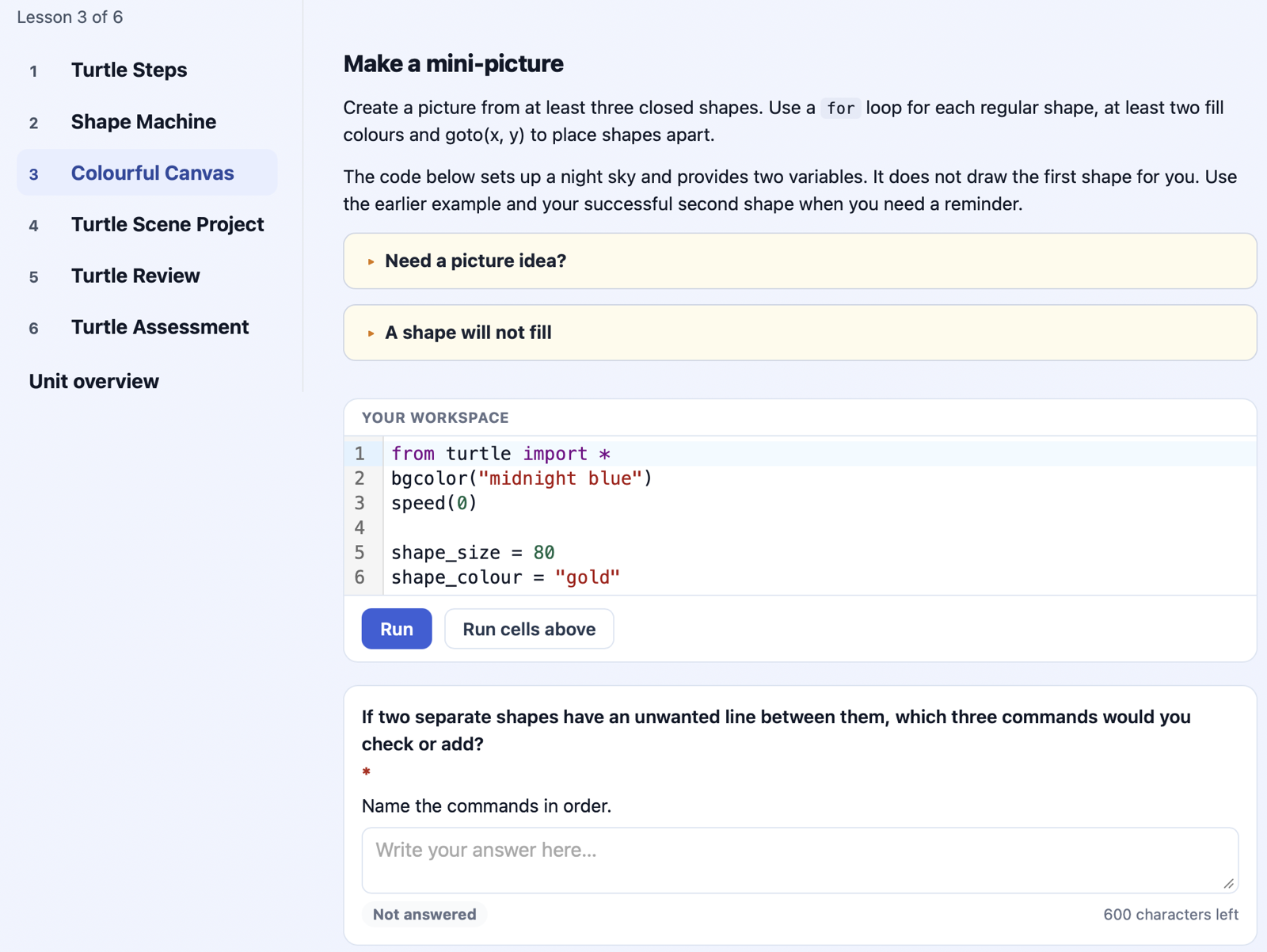
Colourful Canvas, lesson three of the free Turtle unit: instructions, Python and written answers in the same Worksheet.
Teachers can copy the Worksheets into Lessons for free and adapt them. Every new school automatically starts with a free two-week trial, with no card details needed. During the trial, you can set your copies to classes, review and mark their work, return feedback and track completion within Coding Pathway.
Those class tools need a subscription after the trial. Students' independent access to Turtle and the Core Python course stays free. See the free plan and trial details.
The Python course is free too
The free Core Python course has 397 step-by-step coding activities, covering the Python programming skills students need for GCSE Computer Science. Worked examples lead into coding practice, with automatic checks, trophies and saved progress.
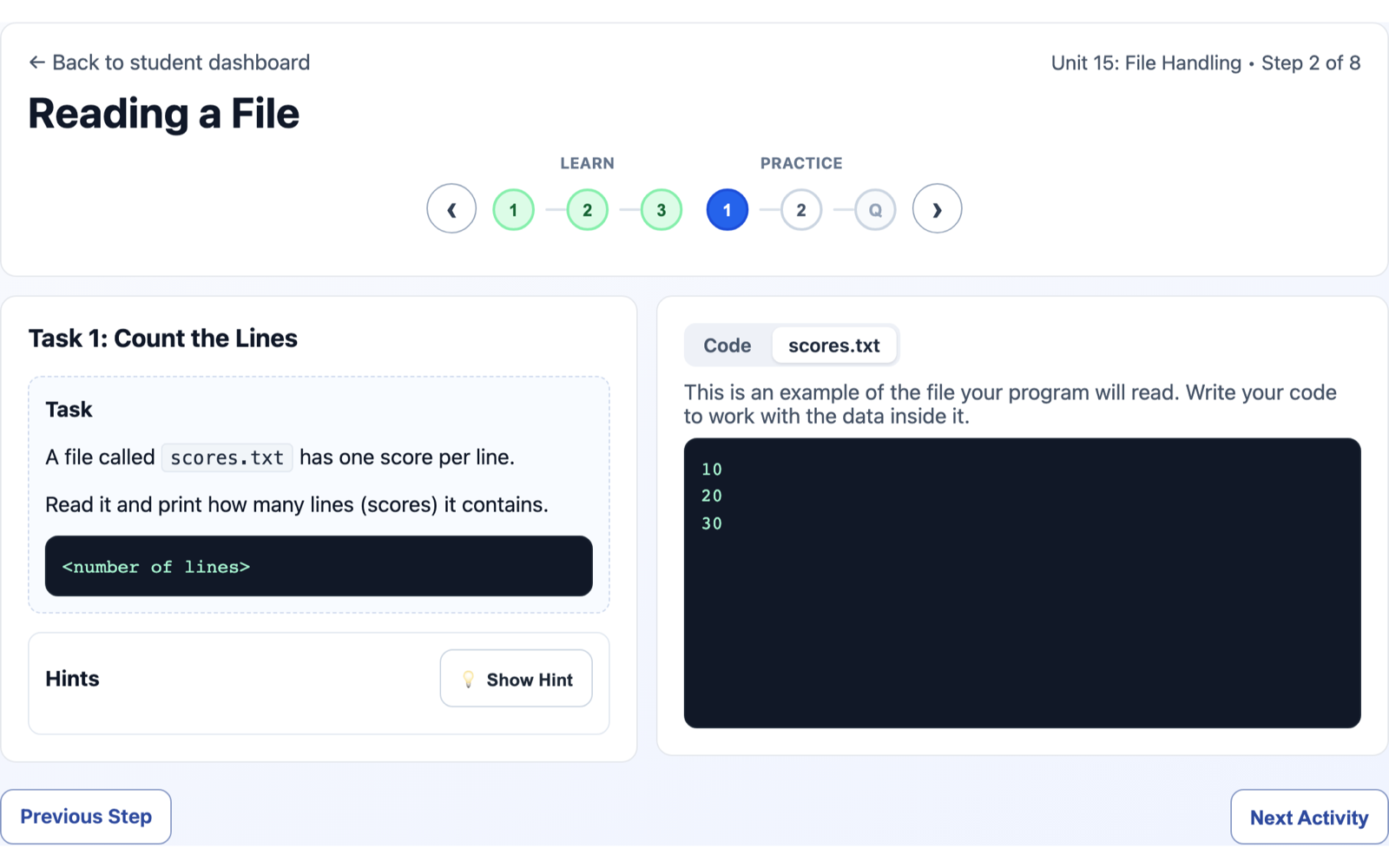
File-handling practice in the free Python course, with the task and sample file side by side.
In my classes, the usual teaching and modelling come first. We work through the Turtle Worksheets in lessons, then use the course for consolidation and homework. If you teach OCR J277 or Edexcel 1CP2, you can use the same course alongside your GCSE teaching.
There are also complete Worksheet collections for OCR GCSE, Edexcel GCSE and OCR A Level, all public to preview and available to set during the school trial.
Start with the Turtle Worksheets, or explore the Python course. Get in touch if you would like a hand setting up, or tell me how the resources work with your classes.